Web-Byra Wallet Payments for Joomla (free)
VERSION 3.0.0
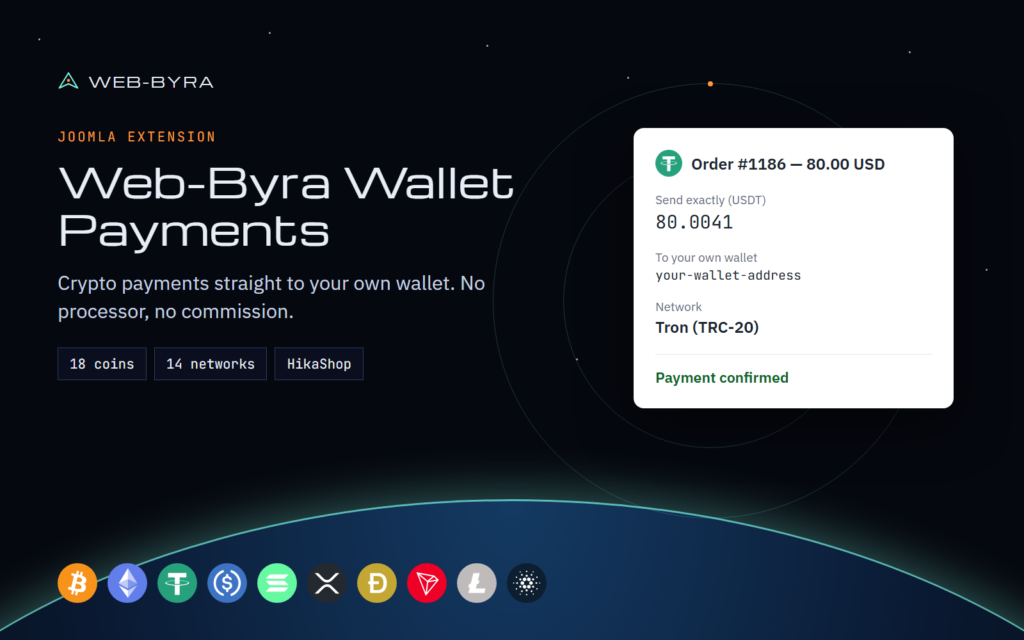
Web-Byra Wallet Payments for Joomla lets your site accept crypto payments directly to your own wallet addresses. There is no processor in the middle and no commission on your sales. You only pay normal network fees. It was called Direct Crypto Pay until version 3.0; existing settings and payments carry over. It is free and open source (GPL).
How it works: enter your wallet addresses, choose the coins you accept, and the extension does the rest. Each customer gets a unique amount, a QR code and a live countdown. Payments are checked every minute by a Joomla scheduled task and orders are marked as paid automatically once the network confirms them.
What you get:
– Bitcoin (BTC), Ethereum (ETH) and Tether (USDT) on Ethereum (ERC-20) and Tron (TRC-20)
– HikaShop payment method: the order is marked paid on its own once the crypto payment confirms
– A tag for any article or custom module: {webbyrawallet amount=”25″ currency=”EUR” label=”Donation”}
– Your money stays yours: no account, and no private keys on your server
– Translated into English, Chinese, French, Spanish, Arabic, Russian, German, Japanese, Portuguese, Hindi, Croatian and Swedish
Need more networks? Web-Byra Wallet Payments Pro for Joomla adds Solana, XRP, BNB Chain, Polygon, Arbitrum, Optimism, Avalanche, Litecoin, Dogecoin, Bitcoin Cash, Cardano, USDC and more.
Install: in Joomla go to System > Install > Extensions, upload the zip, then open Components > Web-Byra Wallet Payments. For HikaShop, add the method under HikaShop > System > Payment methods.
Requirements: Joomla 5 or 6, PHP 8.1+. HikaShop is optional.
Good to know: customers must send the exact amount shown, and they should use a wallet that sends the full amount. Use addresses from your own wallet, not exchange deposit addresses.